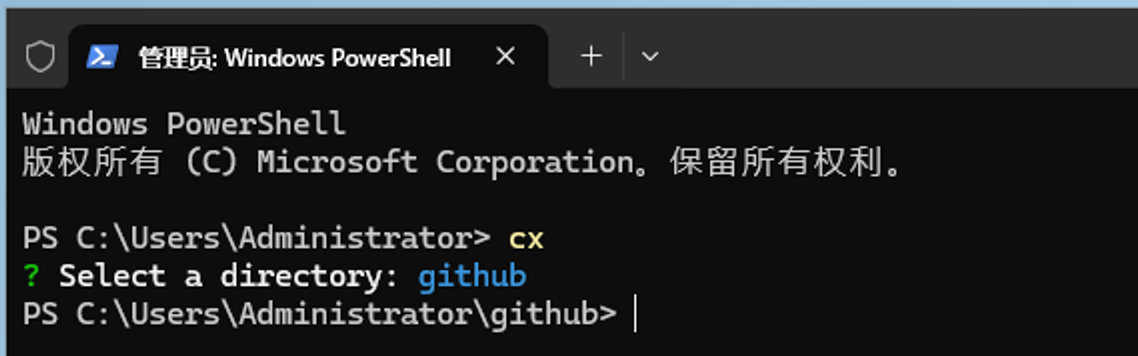
cx 如何安装 - windows 版
🕐
在 windows 下如何安装 cx
01 找到 winx-windows-amd64.exe 程序
这个程序可以通过
npm run build:windows02 将这个复制到 bin 目录下
我将 c:/bin 目录已经放到环境变量里了
特别注意,名字一定是这个,不能改
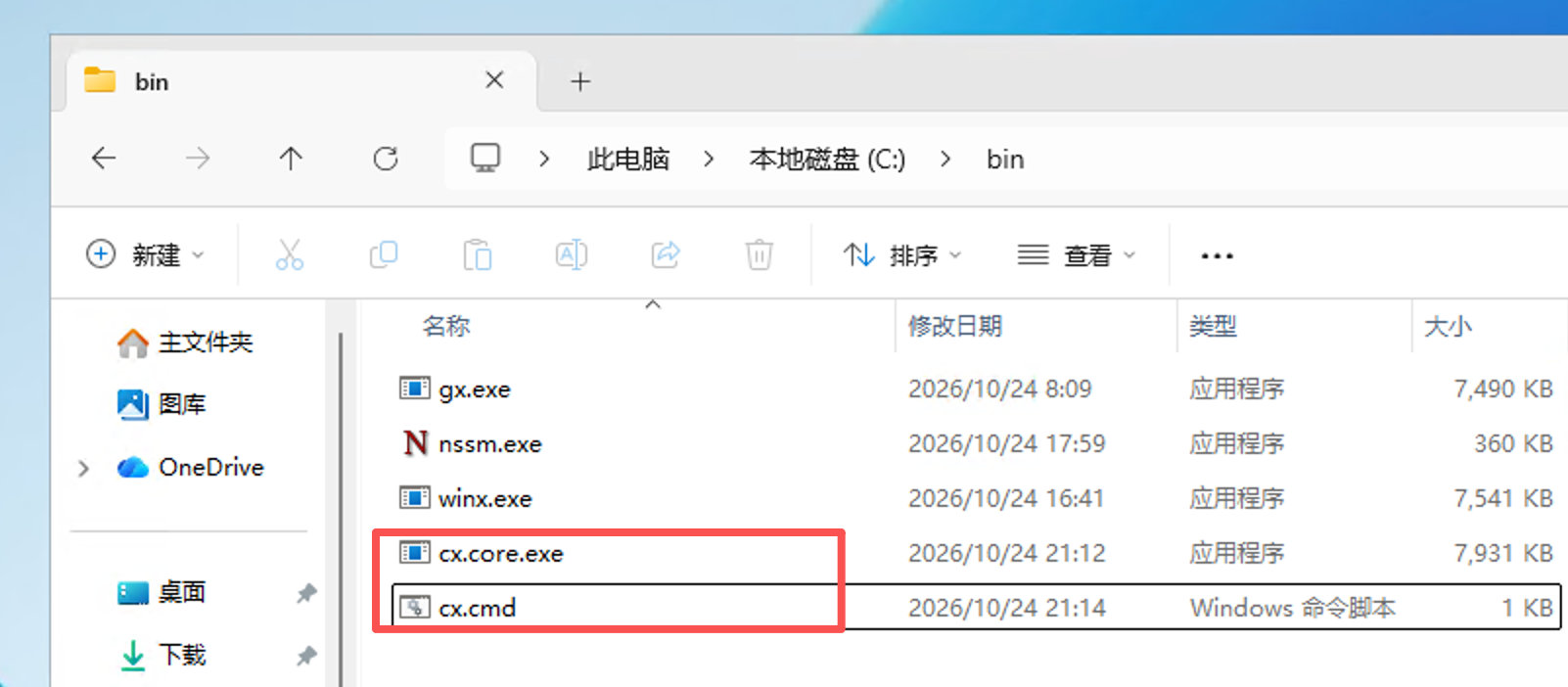
c:/bin/cx.core.exe03 为 cmd/powershell 初始化
执行 init 命令
cx.core initcmd 里会看到这个文件
- cx.cmd: 主要针对是CMD的
- cx.core.exe: 这个CMD和powershell都需要使用
powershell 里在这个目录
C:\Users\Administrator\Documents\WindowsPowerShell\Microsoft.PowerShell_profile.ps104 不同环境下看一下效果
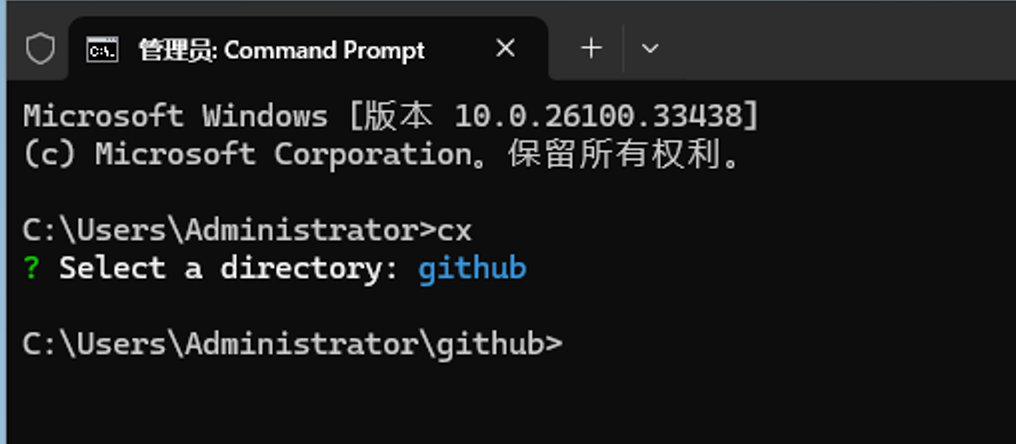
CMD里
PowerShell里